








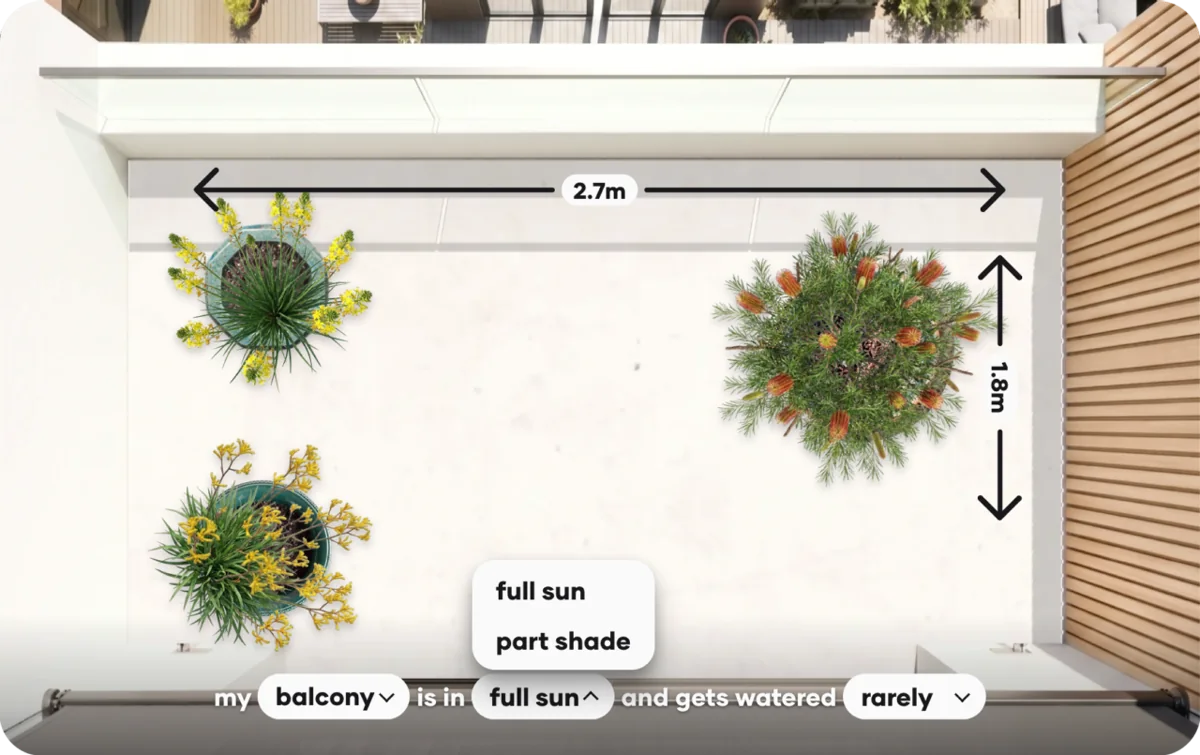
Match the conditions
Light · Water · Soil · pH
Drought · Toxicity, where relevant
 GlassHouse
Our beautiful Fluted Glass panes glide over your product images as the customer scrolls
Each interaction helps you understand customer interest and capture intent. Glass pane text is customised to your brand voice.
 Sale
Sale
Scarlet Banksia needs that drains freely, especially through summer.


A sunny courtyard, a small balcony, or indoors.
Help every customer find what will thrive in their conditions.
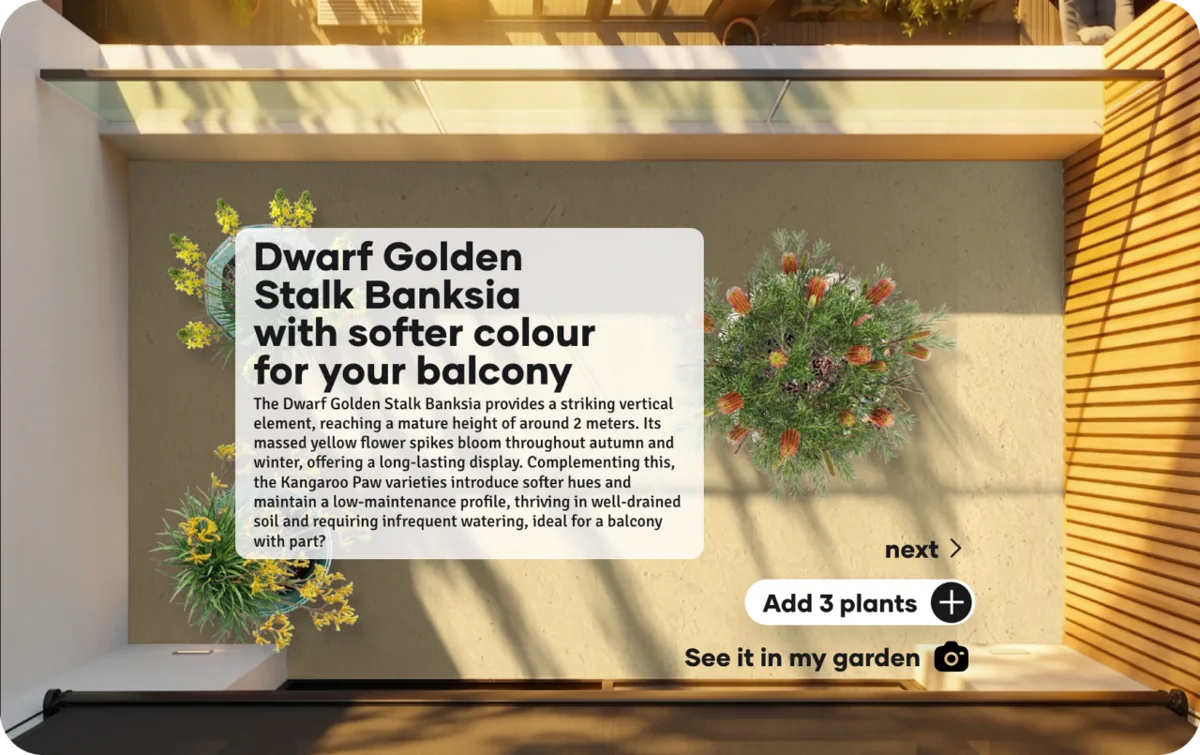
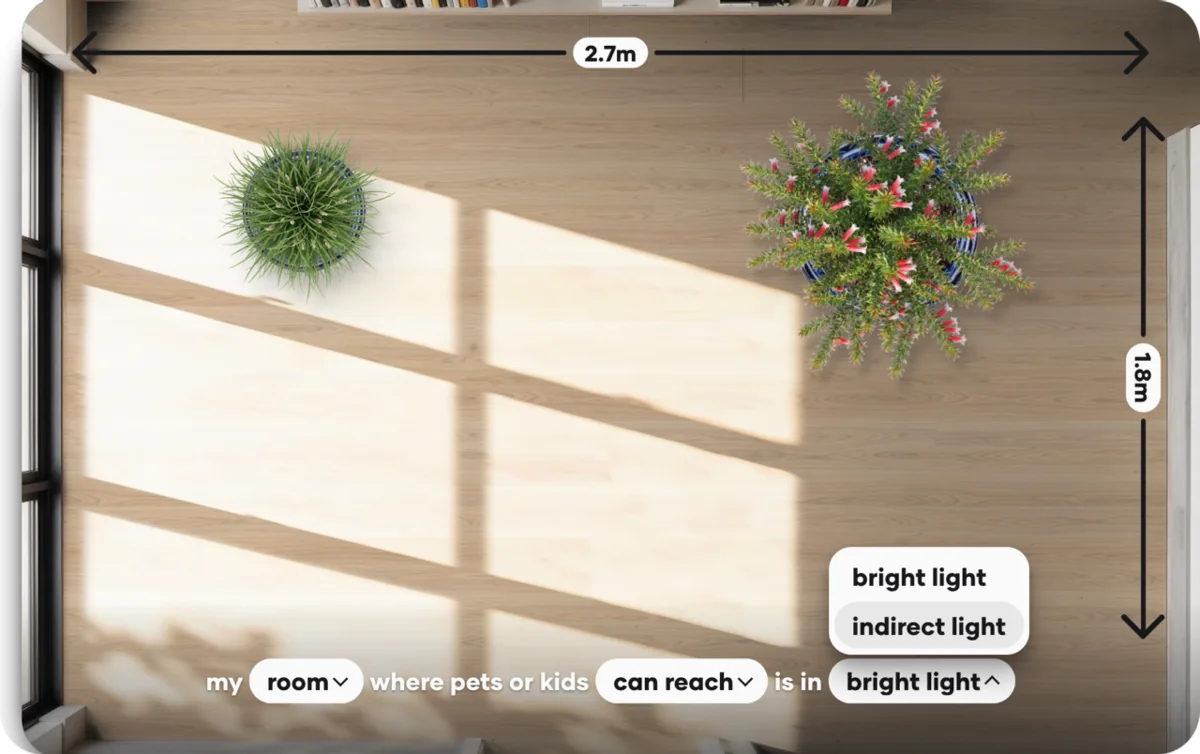
Our AI-powered chat knowns your catalog and the customer's cart. It comes with horticultural knowledge built-in, so it beats other generic e-commerce alternatives.
Move the conversation from “will it grow here?” to a confident add to cart.


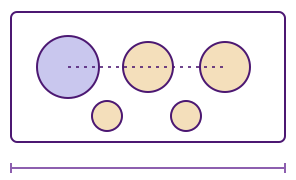
Your plant stock, matched to the customer conditions and space.
Light · Water · Soil · pH
Drought · Toxicity, where relevant

Height · Category · Form
Plant uses and descriptive cues

Mature spread · Plant type
Spacing, groups and quantities
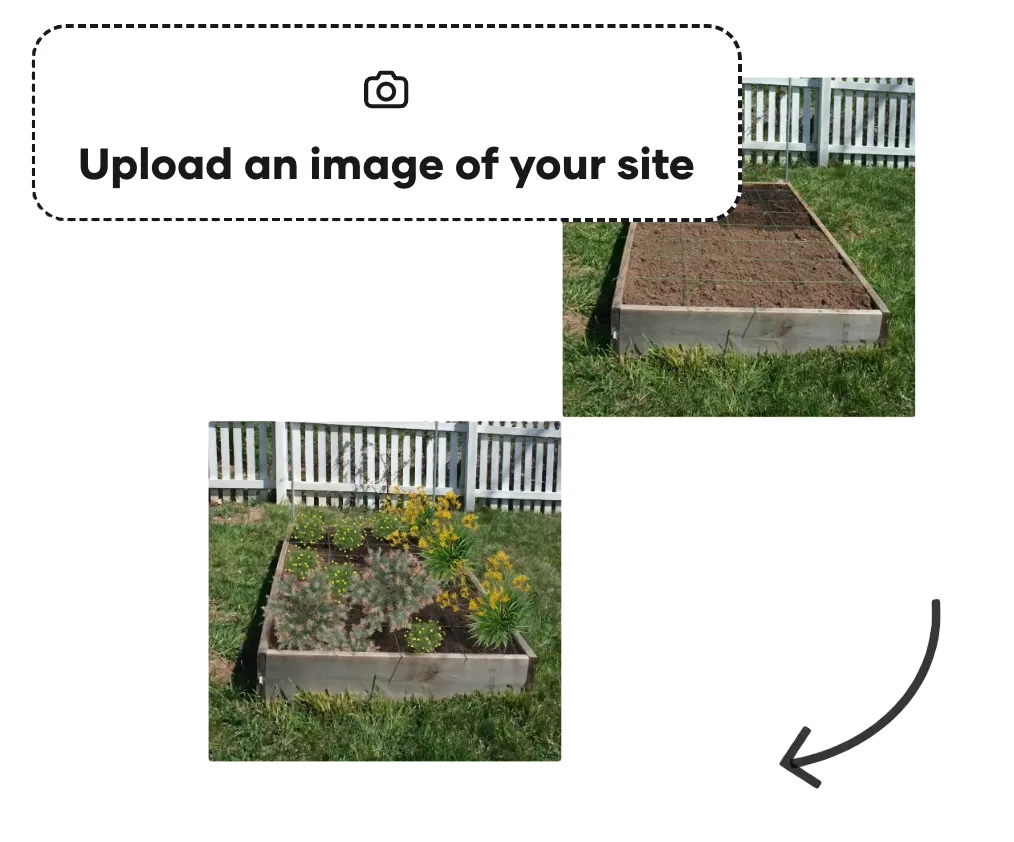
Shoppers upload a photo of their indoor/outdoor home to preview their selection of plants in their space for a confident checkout



GlassHouse is powered by SuperSeeded, the technology behind SuperSeeded Studio: a commercial planting design software for landscape architects.
That foundation brings evidence-based planting advice from professional practice into your customers’ everyday choices.
Explore SuperSeededAsk about plants, explore a garden design and see how it could look in their own space—all while shopping in your store.
Retail nurseries helping home gardeners choose, and commercial wholesalers supporting trade customers with more detailed plant questions.
Customers can dismiss or minimise GlassHouse whenever they like, then pick up their conversation when they’re ready.
The wholesaler plan adds customer analytics, scientific evidence-based plant facts—including toxicity and soil requirements—and more advanced AI chat.
Turn plant questions into confident purchases, with advice tailored to your online store.
Integration and custom procurement options.